How to Redeem Clean The Bugs Codes
Claim launch gems and assist time without typos, extra spaces, or failed rejoins.
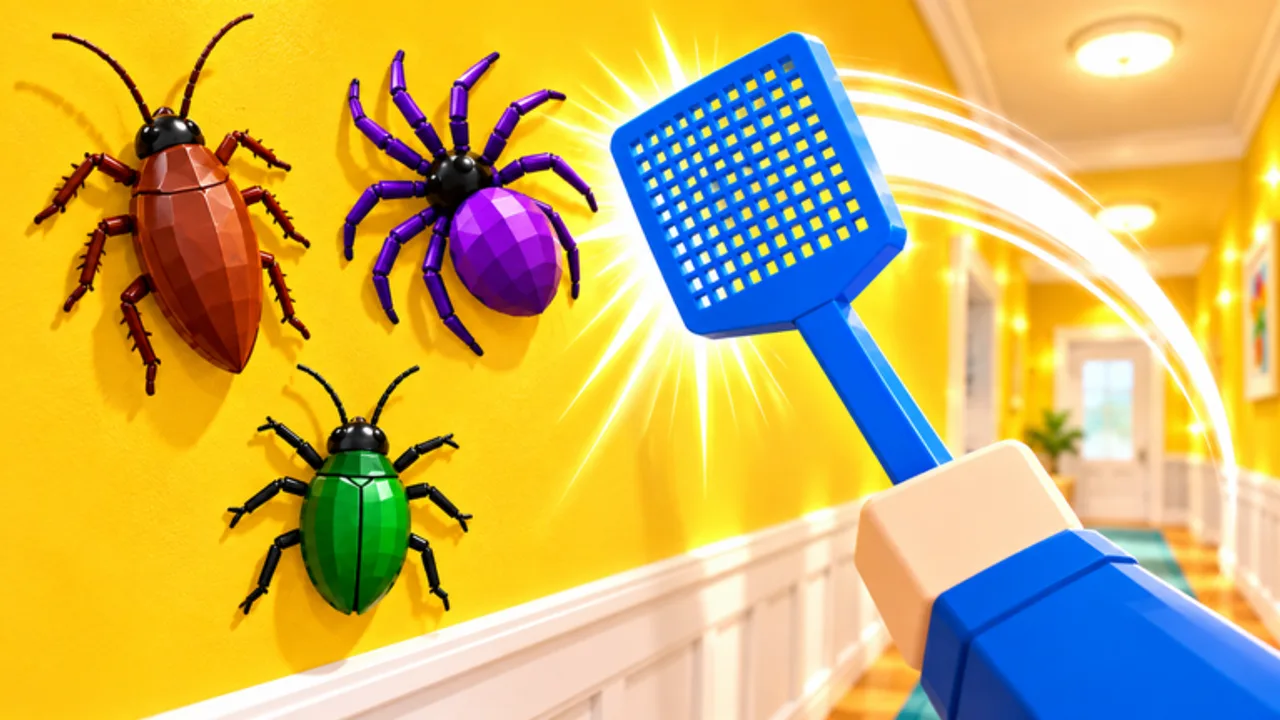
Redeeming codes in Clean The Bugs takes less than a minute once you know where the UI lives. This guide walks through the full claim flow for Roblox players on desktop and mobile, explains how to fix the most common errors, and shows what to do with rewards after they land. Keep the Codes Hub open in another tab so you can copy launch and assist exactly.
Clean The Bugs is a co-op exterminator adventure from Retro Library. You clear houses by squishing thousands of bugs across Chapter 1 and Chapter 2: Next Door. Free gems and a short assistant timer from codes accelerate early upgrades, which matters when you climb Easy → Normal → Hard → Pro and chase badges like Maxed Out or Speed Cleaner. Codes never require third-party tools—if someone says you must run a script to redeem, leave that site and stick to this wiki.
Before you start
- Use a logged-in Roblox account that owns access to the experience.
- Join from the official place linked on the Links Hub (Clean The Bugs by Retro Library).
- Wait until you fully load into the lobby or hub area—not mid-teleport.
- Have the latest active codes ready from the Codes Hub.
If the game is updating, wait for the place version to finish downloading. Redeeming during a version mismatch can look like a failed code even when the string is still valid.
Step-by-step redemption
1. Open Clean The Bugs
Launch Roblox, search for Clean The Bugs, and enter the official place. Confirm the creator shows Retro Library / StarMarine branding rather than a copycat experience. Fake places sometimes spoof names to phish codes or accounts.
2. Find the codes or shop panel
Look for a Codes, Shop, Rewards, or Gift button on the main HUD. UI labels can shift after patches, but the redeem field is usually near daily rewards or gem purchases. On mobile, open the full menu first—some buttons hide behind a hamburger or tablet icon.
3. Enter the code carefully
Type or paste launch for free gems or assist for five minutes of assistant help. Codes are case-sensitive in many Roblox games; use lowercase as listed on the Codes Hub. Do not add spaces before or after the string. Do not wrap codes in quotes.
4. Confirm and verify the reward
Press Redeem / Submit / Claim. Watch for a success toast. Then check:
- Gem balance for
launch - Assistant or helper timer for
assist
If nothing changed, leave the experience completely, rejoin, and try once more before assuming the code expired.
5. Start a house while buffs are live
Assistant time from assist is short. Begin an Easy or Normal clean immediately so the helper covers real rooms instead of lobby idle time. Gems from launch can wait a moment, but decide your first upgrade with the tools tier list so you do not waste currency on a tool you will abandon.
Desktop vs mobile tips
Desktop: Copy from the Codes Hub, paste into the field with Ctrl+V, and double-check the caret is not inserting a trailing space. Full-screen mode sometimes clips the redeem panel—exit full screen if the Confirm button is hidden.
Mobile: Long-press paste can include invisible characters from messaging apps. Prefer typing short codes like launch manually. Rotate to landscape if the keyboard covers the submit button.
Controller / console-style input: If you play with a gamepad on a supported device, you may still need touch or mouse for text fields. Switch to keyboard briefly for redemption.
Troubleshooting failed codes
| Symptom | Likely cause | Fix |
|---|---|---|
| Instant error toast | Typo, caps, or space | Retype lowercase exactly |
| No toast, no reward | UI desync | Rejoin the place |
| Worked for a friend, not you | Already redeemed | Codes are usually once per account |
| Everyone failing | Expired string | Check Updates and the Codes Hub |
| Wrong place | Copycat experience | Use the official link from Links |
Never share your Roblox password or cookie with a “code generator” site. Real Clean The Bugs codes are short public strings announced by StarMarine614—they do not need your credentials.
What to do after redeeming
Spend gems with a plan. Hands start free. Two Hands and Vacuum upgrades raise clear speed across kitchens, basements, and the larger Next Door map. Fully upgrading a tool unlocks progress toward Maxed Out. Read the Tier List Hub before dumping an entire gem stack.
Use assistant time on hard rooms. Basement routes tied to Down Under, attic secrets in Something in the Attic, and Grandma’s Collection rare bugs all benefit from extra help. Coordinate in co-op (up to 12 players) so one assistant covers the densest floor.
Stack with dailies. Log in for daily rewards while you chase Seven Days Strong. Codes plus dailies plus efficient tool upgrades shorten the grind toward Pest Control kill milestones and chapter badges listed under badges.
Keep learning the map. After claiming, follow Getting Started for a first-session route through Chapter 1, then push Chapter 2: Next Door when your tools feel ready.
Safety checklist
- Redeem only inside the official experience.
- Ignore chat spam that asks you to visit off-site redeem pages.
- Do not buy “private codes” with Robux from random players.
- Scripts are unrelated to code redemption—see the Scripts Hub for risk notes if you were curious about automation.
- When a new chapter or Pro mode patch ships, refresh this page and the Codes Hub before trusting old screenshots.
Quick redeem checklist
- Join official Clean The Bugs.
- Open Codes / Shop / Rewards UI.
- Enter
launchorassistwith no spaces. - Confirm success and verify gems or timer.
- Start a house or buy a planned tool upgrade.
- Recheck the Codes Hub after updates.
Mastering redemption takes one successful claim. After that, the real game is routing houses, upgrading tools, collecting rare bugs, and clearing Pro with your crew. Use free rewards as a boost—not a substitute for learning room layouts and difficulty modifiers.
Frequently Asked Questions
Quick answers for Clean The Bugs players.
Why did my Clean The Bugs code not work?
Most failures come from typos, extra spaces, already-redeemed codes, or an expired string. Retype in lowercase, rejoin the place once, then confirm the code is still listed as active.
Can I redeem the same code twice?
Usually no. Launch and assist are typically one claim per Roblox account. A second attempt often fails silently or with an already-owned message.
Do I need a script to redeem codes?
No. Codes are claimed in the official in-game UI. Anyone claiming you must inject a script to redeem is pushing unsafe software.
Should I redeem assist before starting a house?
Redeem assist when you are ready to enter a house immediately. The five-minute helper is wasted if you stay in the lobby.
Where can I find new codes after launch?
Watch the Codes Hub and Updates pages, plus official Retro Library and StarMarine614 channels listed on the Links Hub.