Official Clean The Bugs Links
Trusted Roblox, community, and wiki destinations in one list.
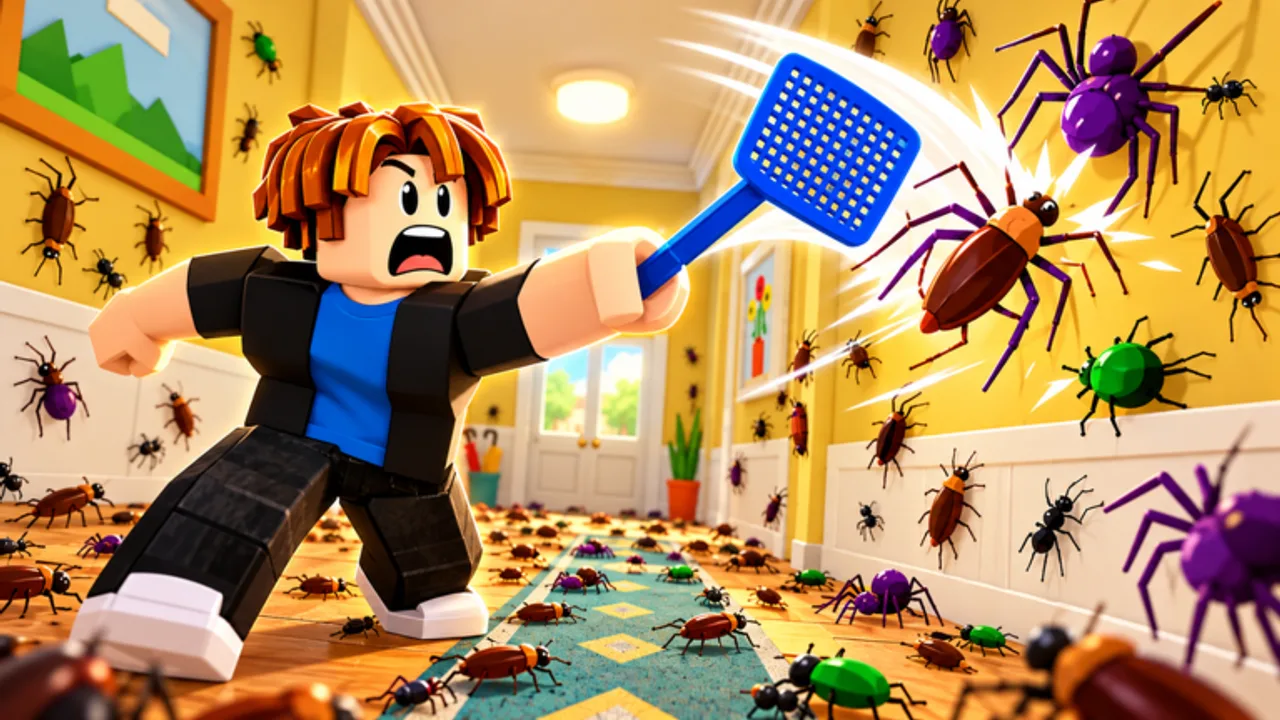
This Links Hub collects official and wiki resources for Clean The Bugs so you never land on a copycat place or a phishing “code redeem” site. Bookmark the Roblox experience, the Retro Library community, and StarMarine’s announcements channel, then use the in-wiki hubs for codes, guides, and badges.
Clean The Bugs is developed by Retro Library (StarMarine / StarMarine614). It is a Roblox adventure / story experience where co-op crews of up to 12 players exterminate bugs house by house across Chapter 1 and Chapter 2: Next Door. Always verify the place ID and creator before entering trades, following script ads, or typing account details anywhere.
Official destinations
Play Clean The Bugs on Roblox
Join the live experience here: Clean The Bugs on Roblox. Favoriting the place makes it easier to return after updates. As of Nov 2026 the live place sits around ~717K visits and ~3.3K favorites, with concurrent players often near ~3.5K (it fluctuates) and a 12-player server cap. The official description currently highlights 1,000 LIKES = NEW MAP—like the place if you want the next map milestone. If search results show multiple similarly named games, prefer this URL and confirm the Retro Library creator branding in-game.
Retro Library community
Follow studio posts and group activity through the Retro Library community on Roblox. Group shout-outs often mention milestones such as the 1,000 likes = new map goal, chapter drops, or code strings. Membership is optional for playing, but it is a clean signal you are looking at the real studio instead of a fan impersonator.
StarMarine on X
Developer announcements—including codes like launch and assist—have been tied to StarMarine614 on X. When a string appears there, we mirror it on the Codes Hub after verification. Treat random quote-tweet mirrors with caution until you confirm the handle.
Essential wiki hubs
Use these internal pages after you finish official links:
- Codes Hub — active rewards and expiry notes
- How to Redeem Codes — claim steps and troubleshooting
- Guides Hub — walkthrough index
- Getting Started — first-session plan
- Tier List Hub — tool and class ranking entry point
- Tools Tier List — Hands, Two Hands, Vacuum priorities
- Players Hub — co-op and progression overview
- Badges Guide — chapter, difficulty, and collection badges
- Updates Hub — launch, Chapter 2, Pro mode notes
- Scripts Hub — honest automation risk overview
How to verify you are on the real game
- Match the Roblox URL path and place naming to the link above.
- Confirm the creator / studio lines up with Retro Library.
- Be suspicious of places that only exist to sell “private servers” for free codes.
- Never paste your Roblox cookie into a linked “verifier.”
- Cross-check sudden code claims against Codes and Updates.
Copycat experiences sometimes reuse thumbnails from the real gallery. Thumbnails alone are not proof. The URL and creator identity matter more.
What official channels are good for
Roblox place page: patch thumbnails, visit/favorite counts (~717K visits / ~3.3K favorites as of Nov 2026), the live 1,000 LIKES = NEW MAP description milestone, and the Play button.
Retro Library community: studio identity, group news, and social proof that you are following the right org.
StarMarine social posts: short code strings, trailer-style announcements, and calls for feedback after Chapter 2’s larger Next Door map.
This wiki: structured guides, badge checklists, and redeem instructions that social posts rarely spell out in full.
Community safety reminders
Clean The Bugs includes gem sinks, classes, and rare bug hunts. That economy attracts scammers who pretend to be staff. Real moderators will not ask for your password. Real codes are short public strings—not paid Discord roles. If a user claims you must download an executor to finish Grandma’s Collection or Something in the Attic, read the Scripts Hub and walk away.
Co-op is safer when you play with friends you know. Public twelve-player lobbies are great for clear speed, but mute and block tools exist for a reason when chat turns into spam.
Suggested bookmark set
- Official Roblox place
- Retro Library community
- StarMarine614 on X
- Codes Hub
- Guides Hub
- Updates Hub
With those six bookmarks you can confirm news, redeem rewards, and jump into a structured guide without hunting through search results every session.
About this wiki
This site is a fan-made wiki for Clean The Bugs. It is not an official Retro Library product. We align facts with the live game—release window, co-op online play, chapter names, difficulties, tools, and announced codes—and we update pages when StarMarine ships new content. If something on a leaf page disagrees with what you see in-game after a patch, trust the live experience and check Updates for notes.
Thanks for playing carefully, linking the real place to your friends, and keeping free codes free.
Frequently Asked Questions
Quick answers for Clean The Bugs players.
What is the official Clean The Bugs Roblox link?
Use the Clean The Bugs place on Roblox under Retro Library (place URL ending in Clean-The-Bugs). Favorites and the Links Hub make it easy to return to the correct experience.
Where does StarMarine announce codes?
Watch StarMarine614 on X and studio community posts, then confirm strings on this wiki's Codes Hub before redeeming.
Is this wiki official?
No. It is a fan resource. Official destinations are the Roblox place, Retro Library community, and StarMarine channels listed above.
How do I avoid fake Clean The Bugs copies?
Match the URL and creator to Retro Library, ignore places that only exist to push paid codes or executors, and never share your password or cookie.